

Introduction
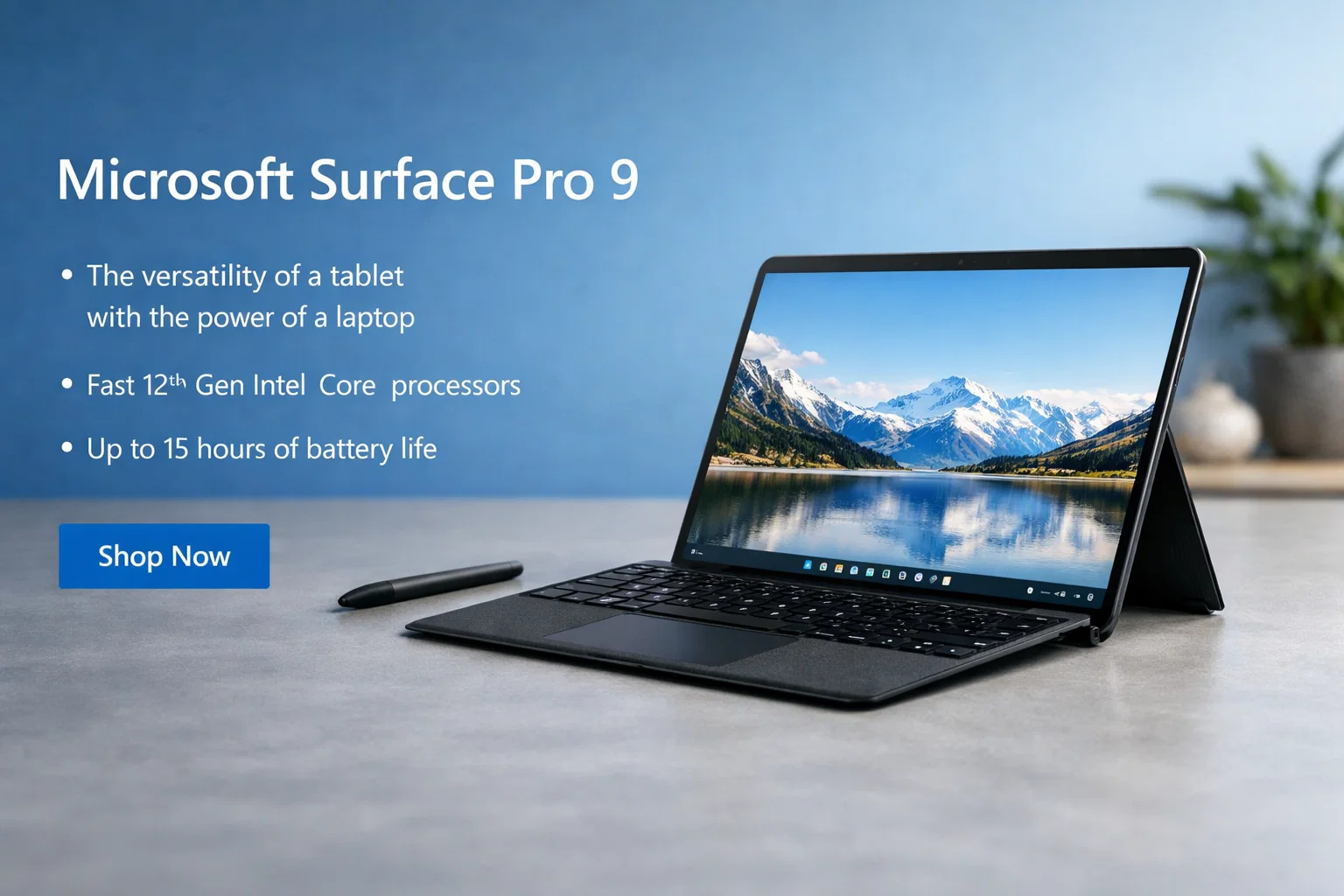
The Microsoft Surface Pro 9 is a powerful and flexible device that combines a laptop and a tablet into one premium product. It is designed for professionals, students, creators, and business users who want portability without sacrificing performance.
Microsoft has improved the Surface Pro series over the years, and the Surface Pro 9 is one of the most advanced models so far. It offers strong performance, a high-quality display, and excellent portability, making it ideal for work, study, and creativity.
This article explains everything about the Microsoft Surface Pro 9 in simple and easy-to-understand language.
Design and Build Quality
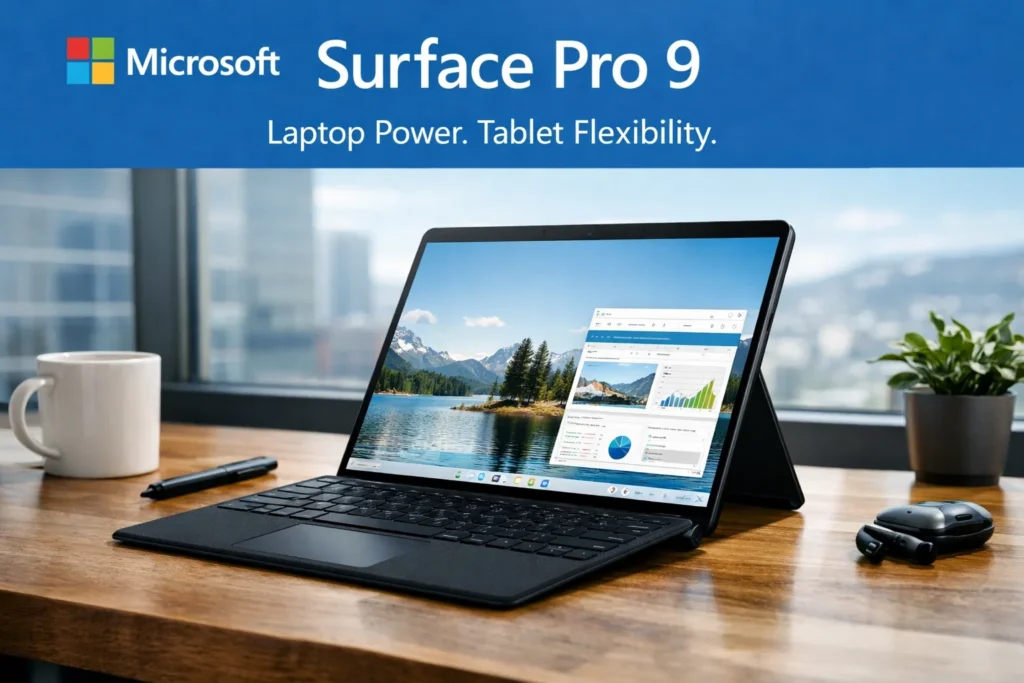
The Microsoft Surface Pro 9 has a sleek and premium design. It is very thin, lightweight, and easy to carry. The aluminum body feels strong and high quality, giving it a professional look.
Because it is a 2-in-1 device, you can use it as:
- A tablet
- A laptop (with keyboard)
- A presentation device
The detachable keyboard and built-in kickstand make it very flexible for different uses.
Display Quality
The Surface Pro 9 features a 13-inch PixelSense touchscreen display with high resolution. The screen is bright, sharp, and very smooth.
The touchscreen is highly responsive and supports:
- Touch gestures
- Surface Pen for drawing and writing
The display is excellent for:
- Office work
- Watching movies
- Digital drawing and note-taking
- Online meetings
Performance and Processor
The Microsoft Surface Pro 9 comes with Intel Core processors or ARM-based processors (depending on the version). Both options are designed to deliver smooth performance for everyday tasks.
You can easily use it for:
- Office applications
- Web browsing
- Online meetings
- Programming
- Light photo and video editing
Performance is fast and smooth for daily use. It is not meant for heavy gaming, but it handles professional and creative tasks well.
RAM and Storage
The Surface Pro 9 offers multiple configurations:
- 8GB, 16GB, or higher RAM
- SSD storage options such as 256GB, 512GB, or more
SSD storage ensures fast boot times and quick app loading, which improves productivity and efficiency.
Battery Life
Battery life on the Microsoft Surface Pro 9 is strong for a 2-in-1 device. On average use, it can last 8 to 12 hours, depending on usage.
This makes it suitable for:
- Full workdays
- Classes and meetings
- Travel use
Fast charging support allows quick charging when needed.
Keyboard, Pen, and Touchpad
The detachable keyboard provides a comfortable typing experience. The keys are well spaced, and typing feels smooth.
The touchpad is responsive and accurate.
The Surface Pen (sold separately) is excellent for:
- Drawing
- Writing notes
- Designing
- Marking documents
Audio and Webcam
The speakers deliver clear and loud sound, making them suitable for:
- Video calls
- Watching movies
- Online meetings
The webcam quality is excellent compared to most laptops, making it perfect for:
- Work meetings
- Online classes
- Video conferencing
- Connectivity and Ports
The Microsoft Surface Pro 9 includes modern connectivity options.
Common ports include:
- USB-C / Thunderbolt
- Surface Connect port
- Headphone jack
Wireless connectivity includes fast Wi-Fi and Bluetooth.
Pros and Cons Table
| Feature | Details |
|---|---|
| Design | Premium, slim, lightweight |
| Display | High-quality touchscreen |
| Performance | Smooth and reliable |
| Battery Life | Long-lasting |
| Portability | Excellent |
| Pen Support | Great for creativity |
| Keyboard | Sold separately |
| Gaming | Not suitable |
Who Should Buy Microsoft Surface Pro 9?
The Microsoft Surface Pro 9 is ideal for:
- Professionals
- Students
- Business users
- Designers and artists
- Frequent travelers
It may not be suitable for users who want a low-cost laptop or heavy gaming performance.
Final Verdict
The Microsoft Surface Pro 9 is a premium 2-in-1 device that offers flexibility, strong performance, and excellent portability. It works perfectly as both a tablet and a laptop, making it a great choice for modern users.
If you want a powerful, lightweight, and stylish device for work, study, and creativity, the Surface Pro 9 is an excellent investment.
more :- Microsoft Surface Pro 9
