

Dell XPS 13 and XPS 15: Premium Windows Laptops Explained
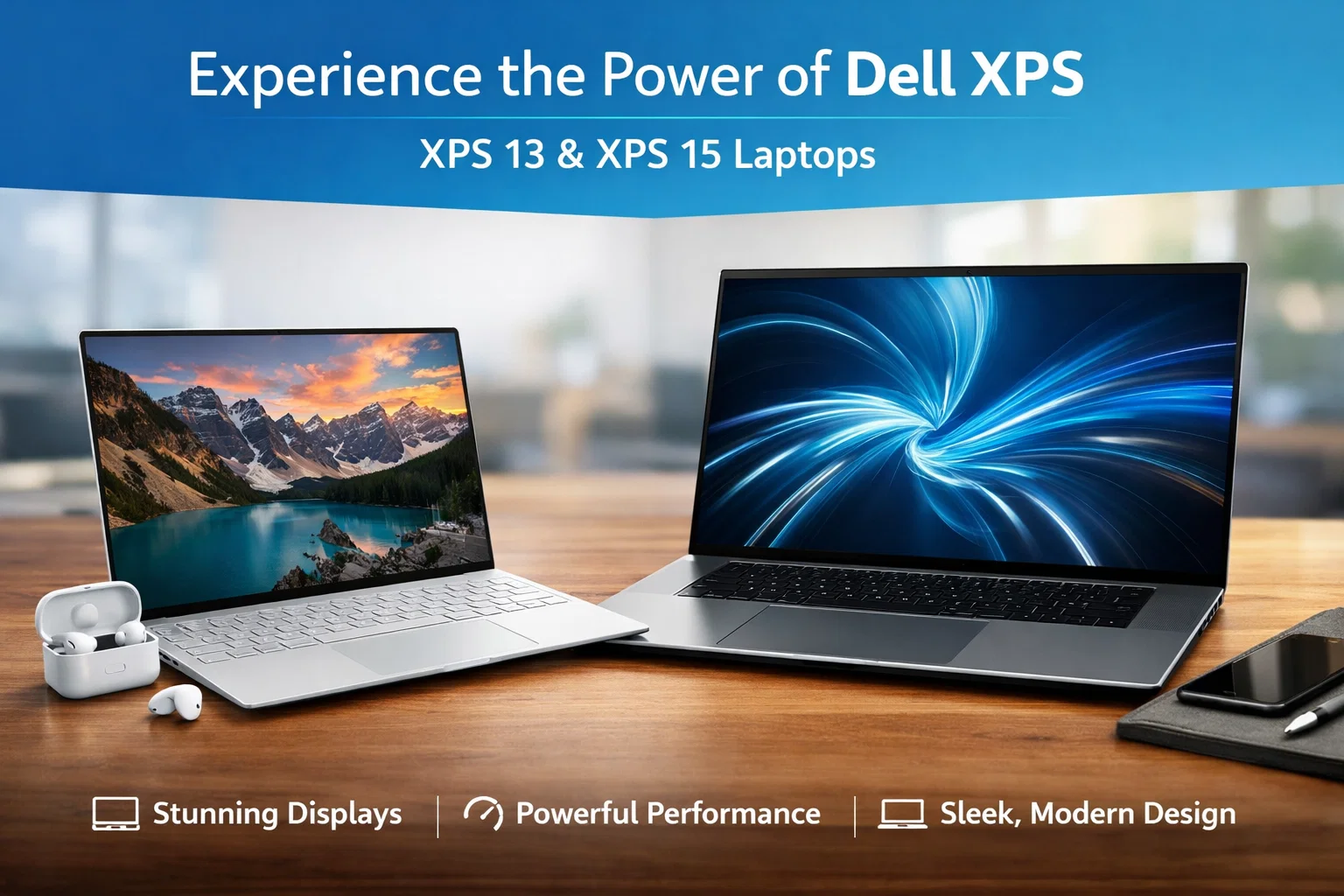
Dell XPS 13 and Dell XPS 15 are among the most popular premium Windows laptops in the world. Dell designed the XPS series for users who want a powerful, stylish, and reliable laptop for work, study, and creative tasks.
The XPS 13 focuses on portability and everyday productivity, while the XPS 15 delivers more power for demanding tasks such as video editing and design. Together, they offer excellent options for different types of users.
Premium Design and Build Quality
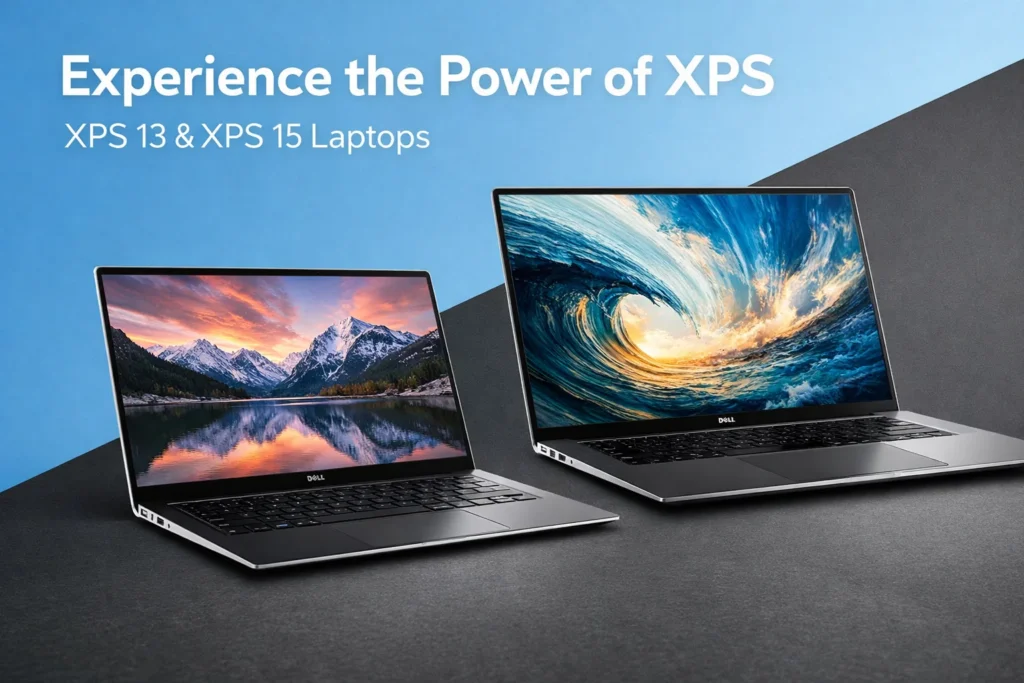
Dell XPS laptops are known for their premium design. Both XPS 13 and XPS 15 feature a slim aluminum body with carbon fiber or glass fiber interiors. The laptops feel strong, durable, and elegant.
The thin bezels around the screen give a modern look and allow for a larger display in a compact body. These laptops are easy to carry and look professional in any environment.
Display Quality and Visual Experience
Dell XPS 13 and XPS 15 offer high-quality displays with sharp resolution and bright colors. The screens are excellent for reading, watching videos, editing photos, and working for long hours.
The XPS 13 is ideal for daily tasks and portability, while the XPS 15 provides a larger screen that is better for creative professionals who need more workspace.
Performance and Processing Power
Dell XPS laptops are powered by modern Intel Core processors that deliver fast and smooth performance. They handle everyday tasks like browsing, office work, and multitasking with ease.
The XPS 15 is more powerful and can be configured with dedicated graphics, making it suitable for heavier workloads such as video editing, graphic design, and software development.
Key Specifications Overview
| Feature | Dell XPS 13 | Dell XPS 15 |
|---|---|---|
| Processor | Intel Core i5 / i7 | Intel Core i7 / i9 |
| Display Size | 13-inch | 15-inch |
| RAM | Up to 32GB | Up to 64GB |
| Storage | Up to 2TB SSD | Up to 4TB SSD |
| Graphics | Integrated | Integrated / Dedicated |
| Operating System | Windows | Windows |
Battery Life for Daily Use
Dell XPS 13 offers excellent battery life, making it a great choice for students and professionals who need all-day usage. It can easily handle a full workday without charging.
Dell XPS 15 has slightly shorter battery life due to its larger display and higher performance, but it still provides solid endurance for most professional tasks.
Keyboard, Trackpad, and Comfort
Both Dell XPS 13 and XPS 15 feature comfortable keyboards with good key travel. Typing feels smooth and responsive, making them suitable for long writing or coding sessions.
The trackpads are large, accurate, and support Windows gestures. Overall comfort is excellent for everyday productivity.
Windows Experience and Software
Dell XPS laptops run on Windows, offering wide software compatibility. Windows works well for office tasks, creative applications, and business software.
Users can easily customize their experience and install a wide range of applications. Dell also includes useful utilities for system management and updates.
Ports and Connectivity Options
Dell XPS laptops include modern connectivity options, though they focus on slim design.
| Port Type | Availability |
|---|---|
| USB-C / Thunderbolt | Yes |
| Headphone Jack | Yes |
| SD Card Slot | XPS 15 Only |
| USB-A | Limited |
Adapters may be needed, but performance and speed remain excellent.
Security and Privacy Features
Dell XPS laptops include strong security features such as fingerprint readers and facial recognition. These features help protect personal data and allow quick and secure login.
Windows security tools provide built-in protection against malware and threats.
Who Should Buy Dell XPS 13 or XPS 15?
Dell XPS 13 is best for:
- Students
- Business professionals
- Travelers
- Everyday users
Dell XPS 15 is best for:
- Creative professionals
- Video editors
- Designers
- Power users
Choosing between them depends on your need for portability or performance.
Final Thoughts
Dell XPS 13 and Dell XPS 15 continue to set high standards for Windows laptops. They combine premium design, strong performance, excellent displays, and reliable battery life.
If you want a stylish and powerful Windows laptop, the Dell XPS series is a smart investment for both work and creativity.
more :– Dell XPS 13 and Dell XPS 15
